
Store Availability Management
Manage your Grubhub store availability by pausing or reactivating online orders when needed.
Updated
How to Pause and Reactivate Store on Grubhub
- Login to the Back Office
- Go to my.lithospos.com and log in to the Back Office (BO).
- Start by navigating to Online orders > Settings > Grubhub > Store > Store status.
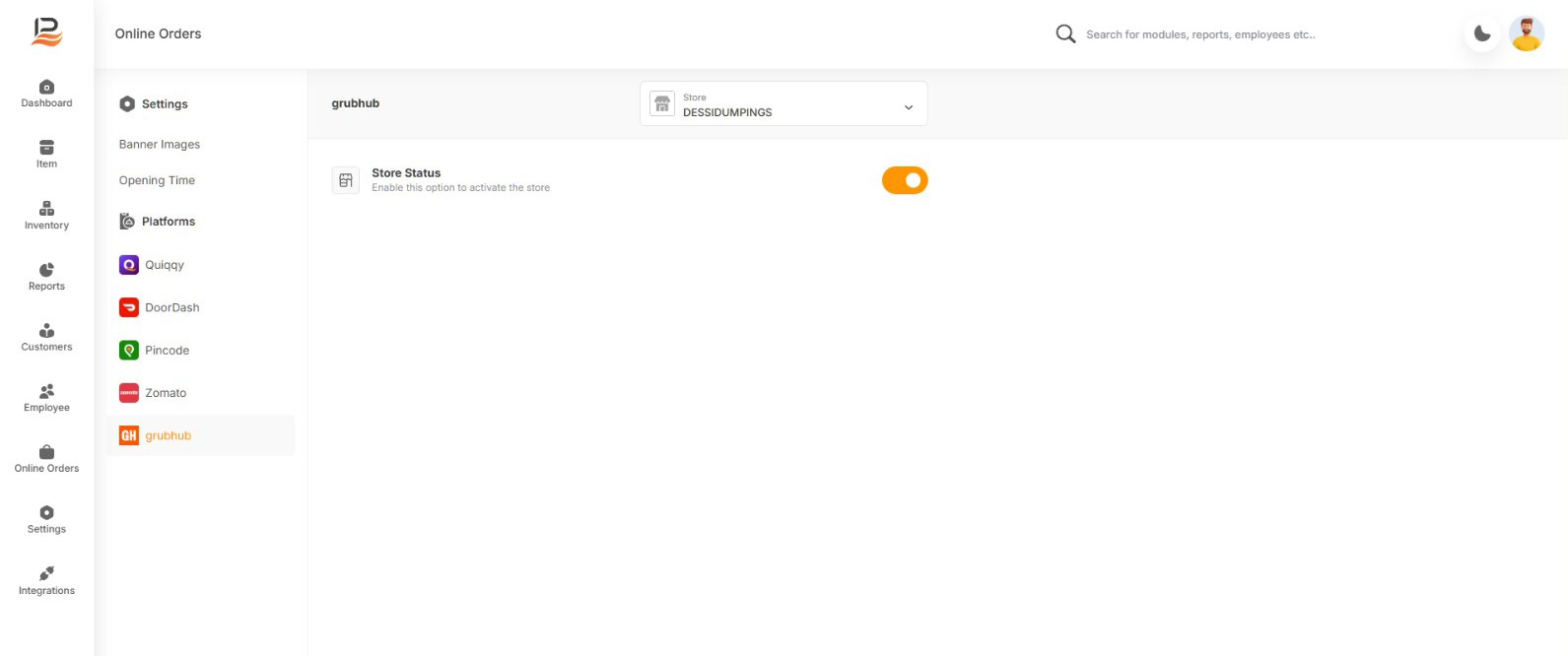
- Merchants can temporarily stop accepting orders when needed using the toggle buttons.
Connect with us to know more
To learn more about it feel free to book a meeting with our team
Was this article helpful?