
Sign up for LithosPOS
Sign up for LithosPOS and start your free trial in just a few simple steps.
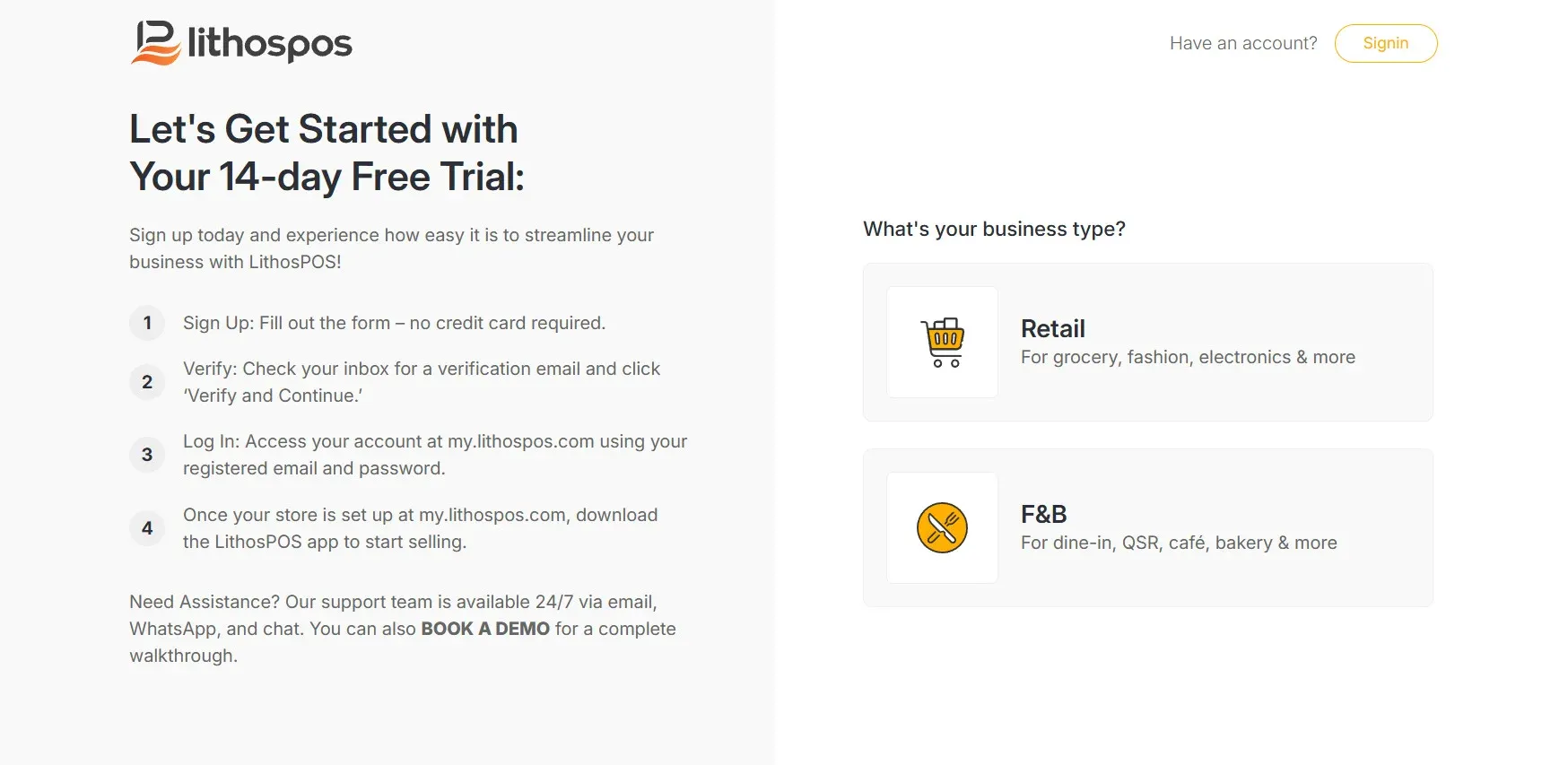
To sign up for LithosPOS, go to www.lithospos.com, and click on the "Free Trial" in the top-right corner. The window below will appear. No credit card is required and there are no strings attached. Simply answer a few quick questions to start your free trial.
Sign up
Select your business type:
- Retail
- F&B
- Enter your store name.
- Choose the country where your business is located. Selecting your country is crucial for setting the correct tax, language, and currency for your account.
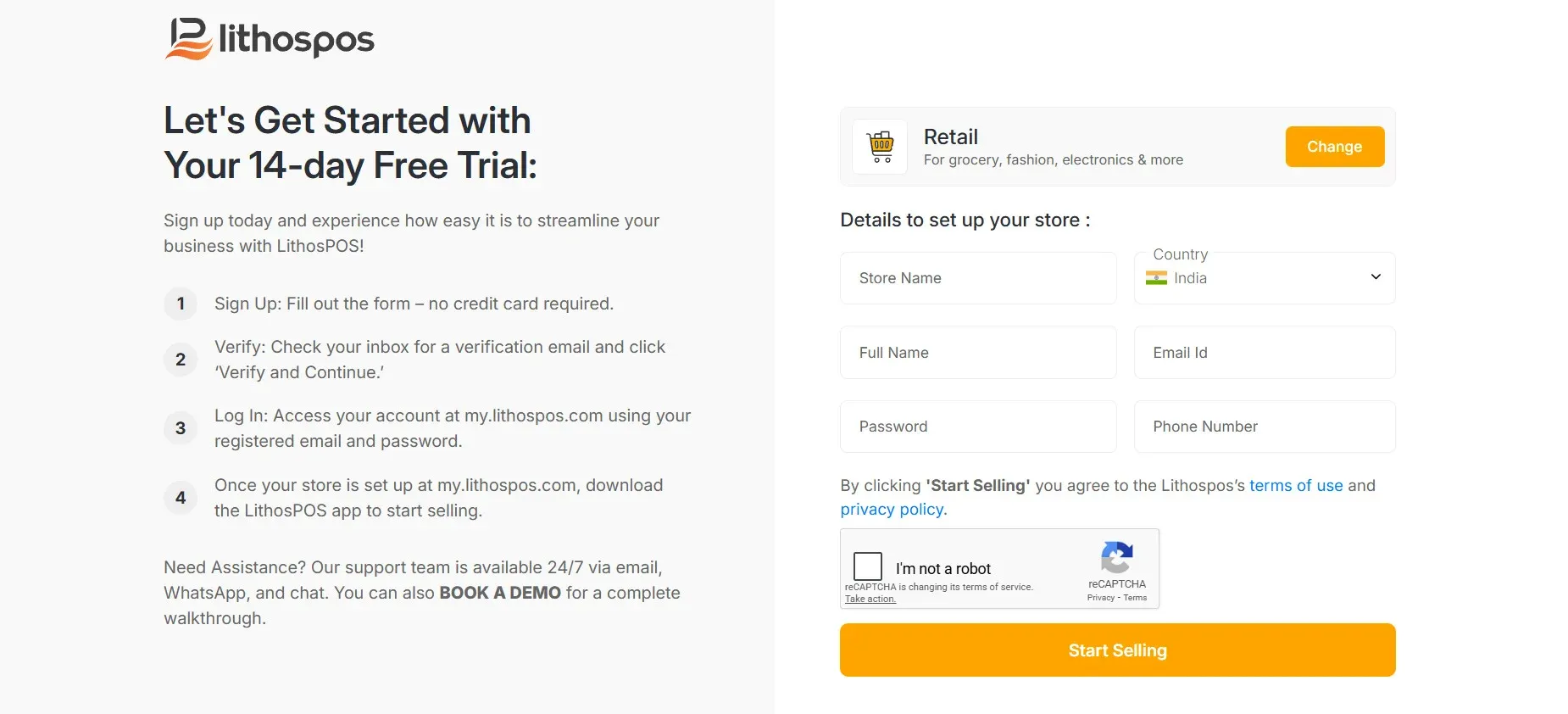
- Enter your full name and email address: This email address will be registered for your LithosPOS account. Please ensure it is a valid, non-temporary email, as you will receive a verification message shortly. For any future account-related requests, please use only this email address.
- Then create a strong and secure password.
- Enter your mobile number
- After entering all the details check the box of ‘I'm not a robot’ then click on 'Start Selling'
- A verification email will be sent to your registered email address. If you don’t receive it, please check your spam folder. To verify your account, click the link in the email and select ‘Verify and Continue’.
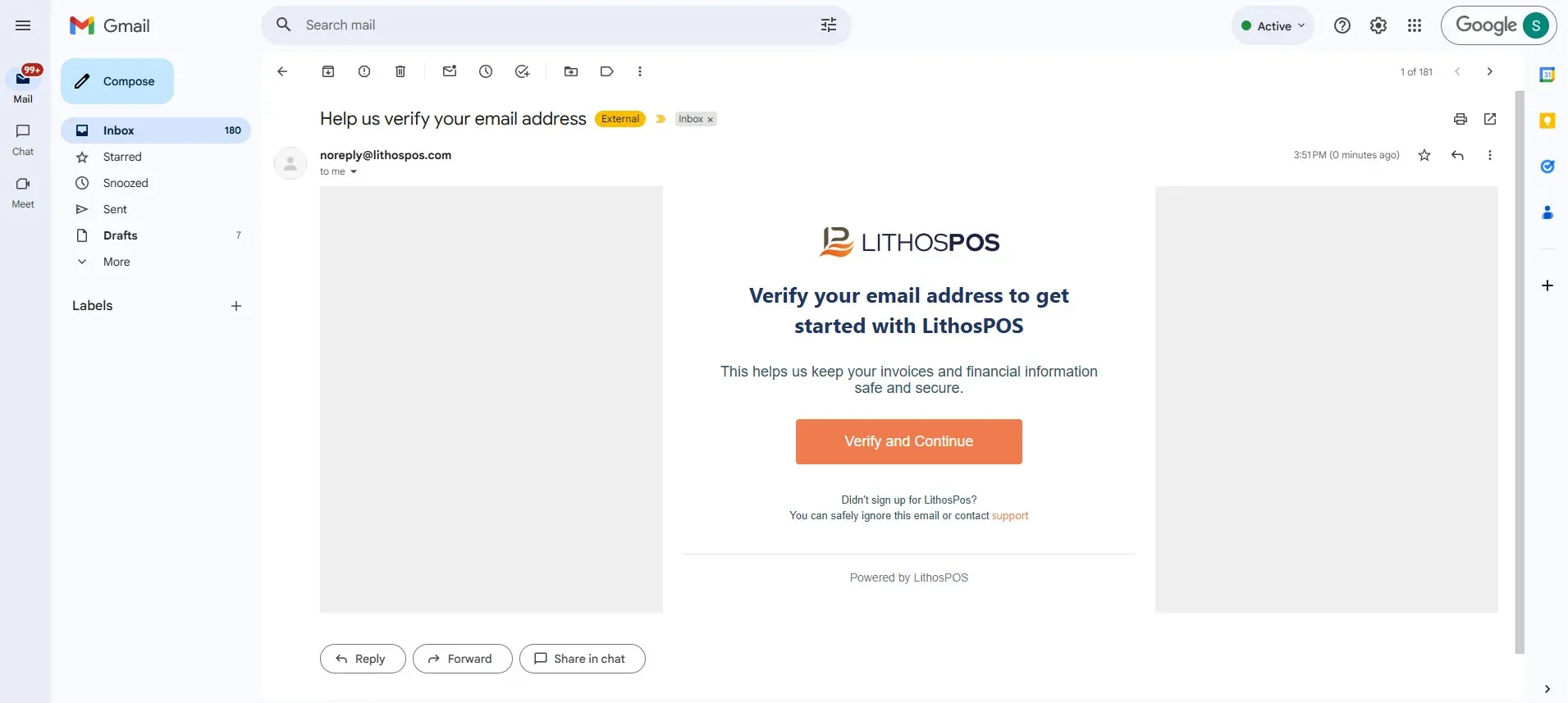
Once verified, your LithosPOS account will be successfully created. You’ll then be directed to a new window
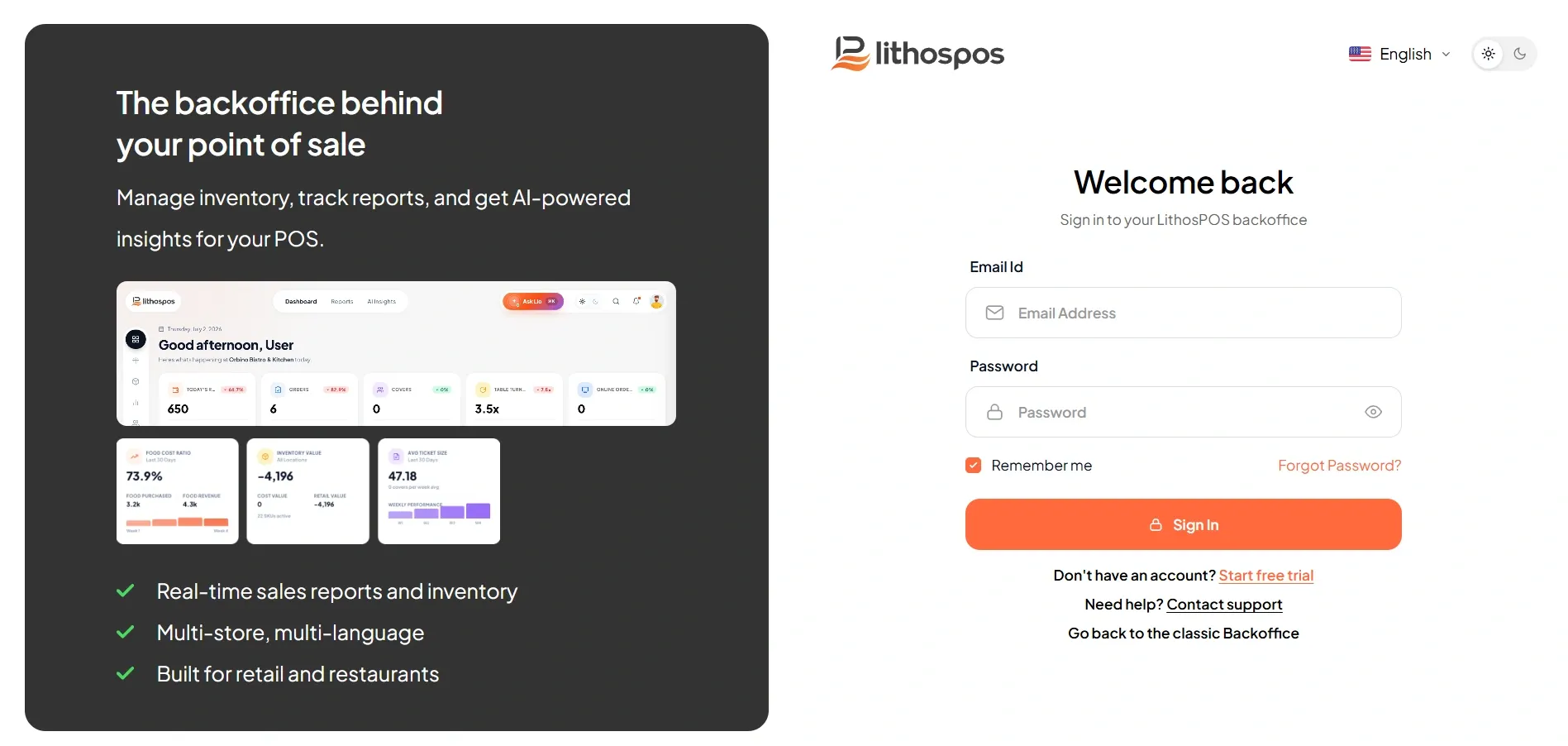
where you should click ‘Login to Control Panel’. This will take you to our back office at my.lithospos.com. Enter your email ID and password
to log in.
Connect with us to know more
To learn more about it feel free to book a meeting with our team
BOOK A DEMO
Was this article helpful?