
QuickBooks
The QuickBooks integration in LithosPOS allows you to synchronize your sales data directly with your QuickBooks accounting system.
LTLithosPOS TeamUpdated
This integration ensures that your sales and financial data are consistently and accurately updated in QuickBooks, making the management of sales and accounting processes seamless and efficient.
Benefits of QuickBooks Integration
- Benefits of QuickBooks Integration: Automatically transfer sales data from LithosPOS to QuickBooks, eliminating the need for manual data entry and reducing the risk of errors.
- Enhanced Financial Management: Keep your financial records up-to-date with real-time sales data, enabling better financial tracking and reporting in QuickBooks.
- Efficient Accounting Processes: Streamline your accounting workflow by integrating your POS sales with QuickBooks, improving overall business efficiency.
Setting up Quick Books
- Install QuickBook in the Back office
- Go to the Back office and select “Integrations”
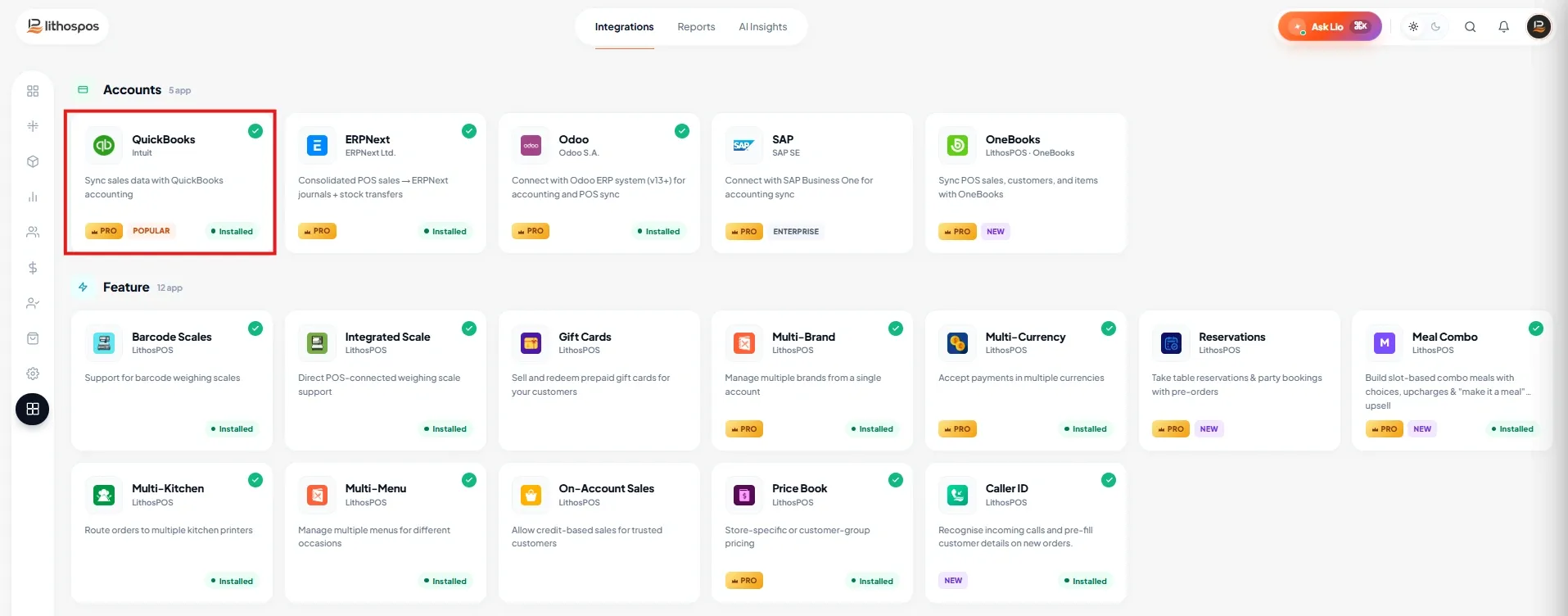
- Click on the QuickBooks app to install the feature.
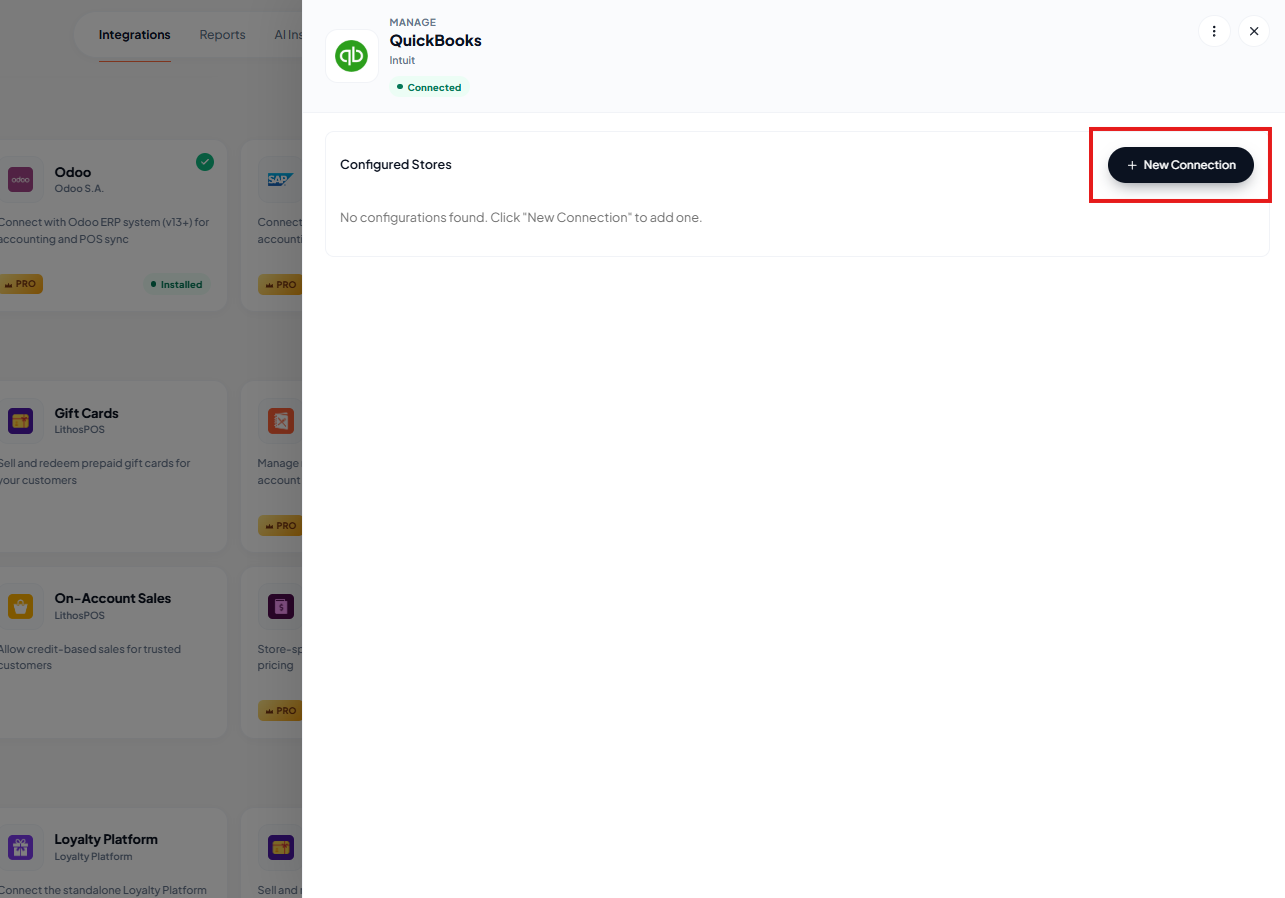
- After installing Click on settings and click “+New Connection”
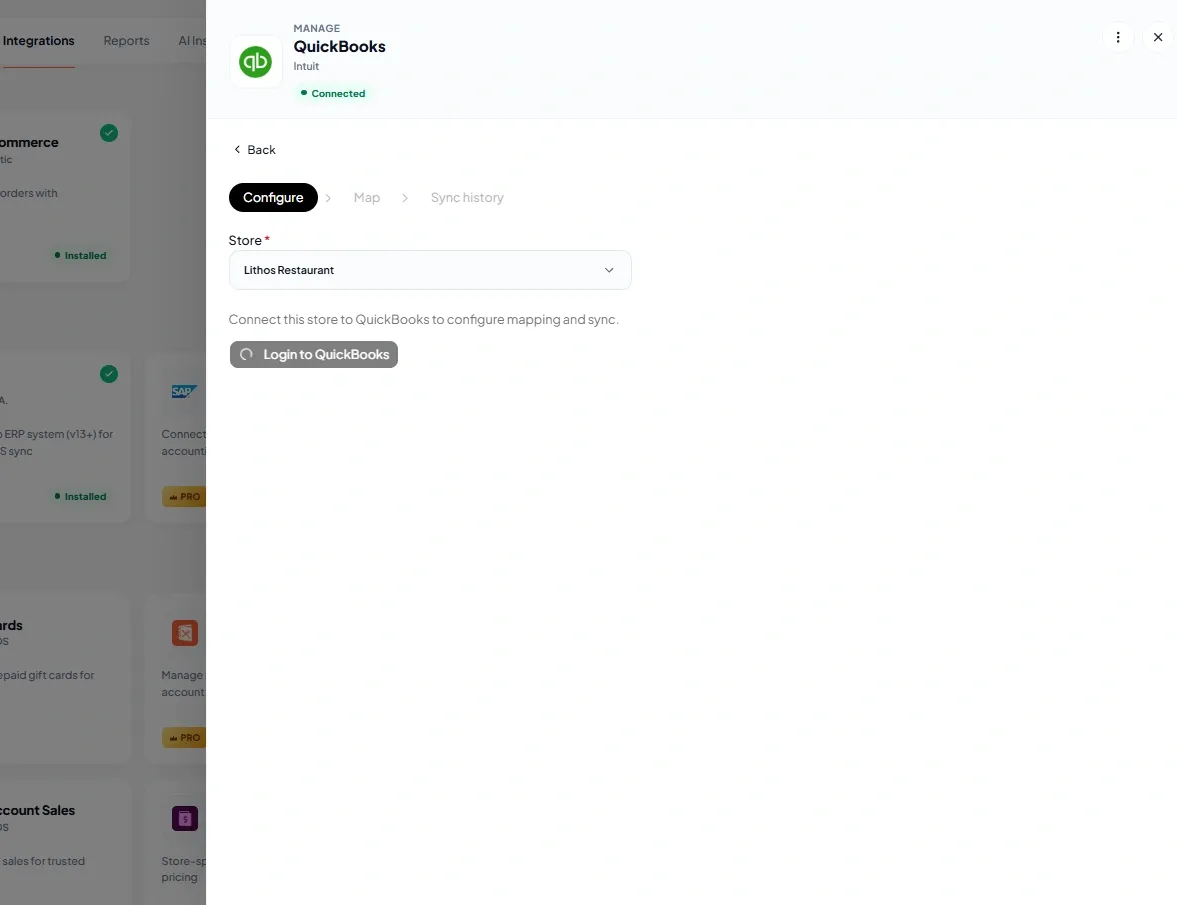
- Select store and click on login to QuickBooks. A new tab will open for login to quick books. Login with credentials. Your integrations in ready to go.
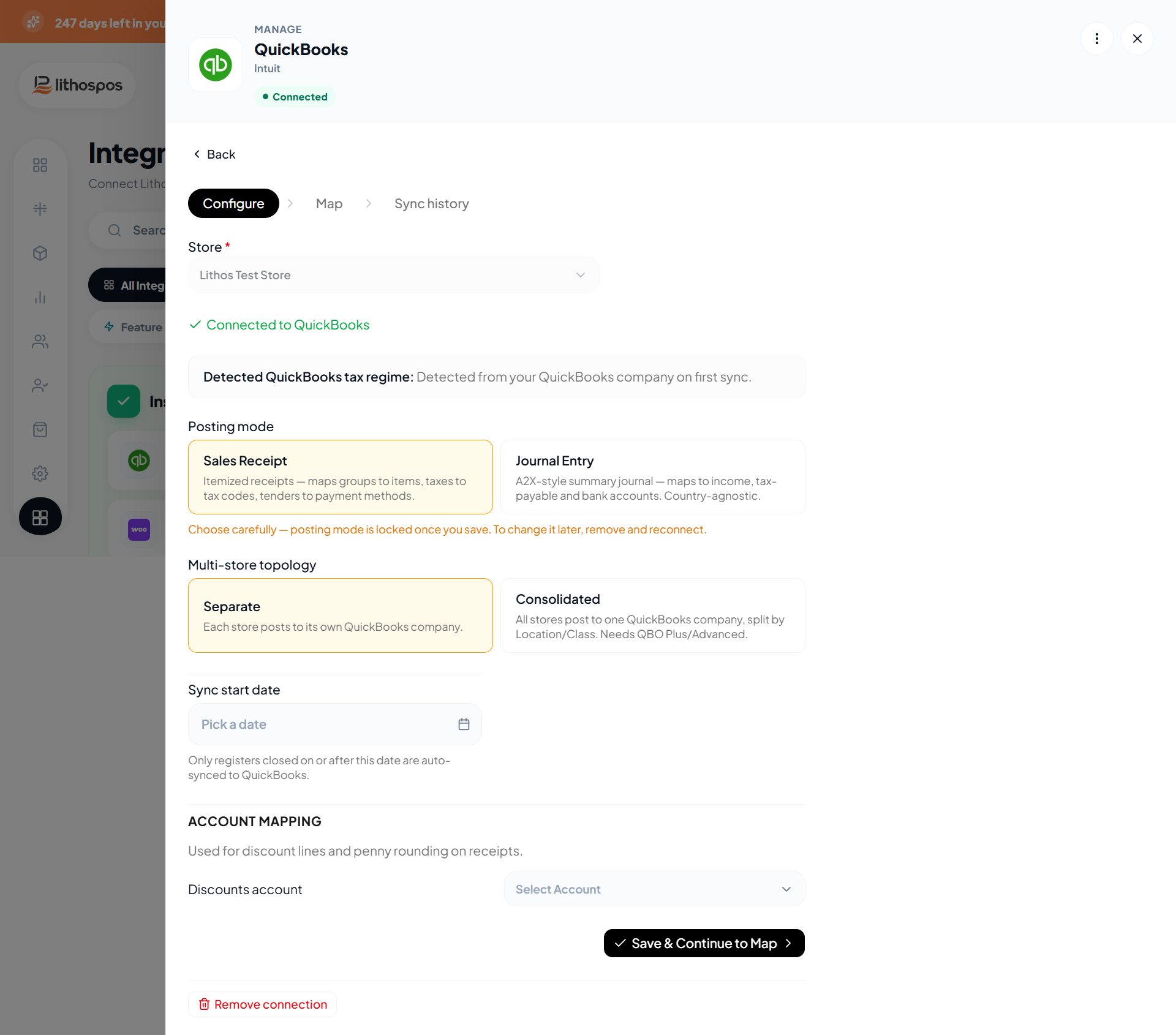
- Enter Connection Details
Mapping Settings
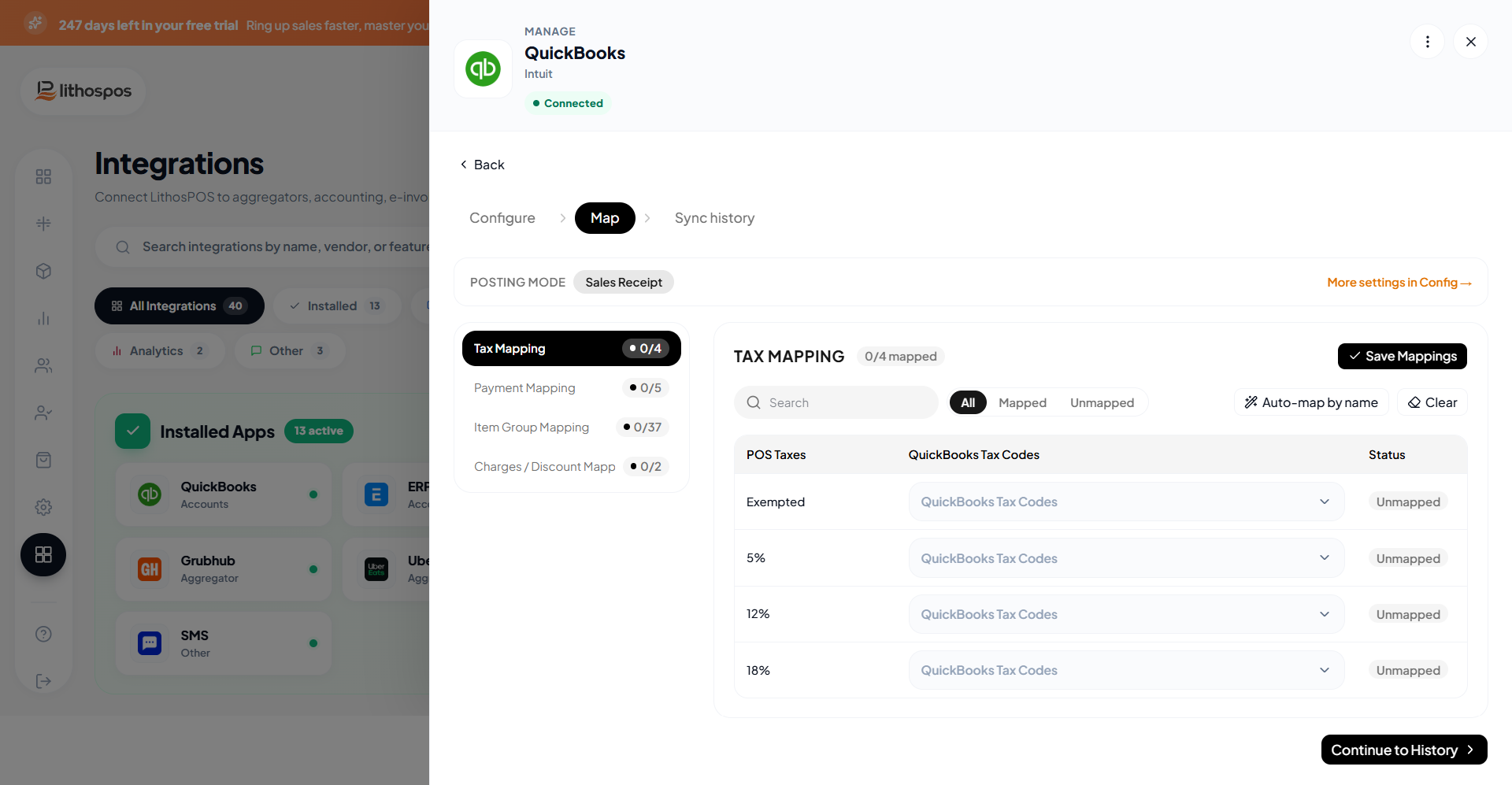
- Tax Mapping: Align tax structures between LithosPOS and Quickbook sales and purchase taxes. Then click Continue.
- Payment Mapping: Map POS payment methods (cash, card, wallet, etc.) with Quickbook.
- Item Group Mapping: Allows to map LithosPOS item groups to the corresponding QuickBooks products or categories.
- Discount & charges: Map POS Discount & Charges with Quickbook. Then click Continue.
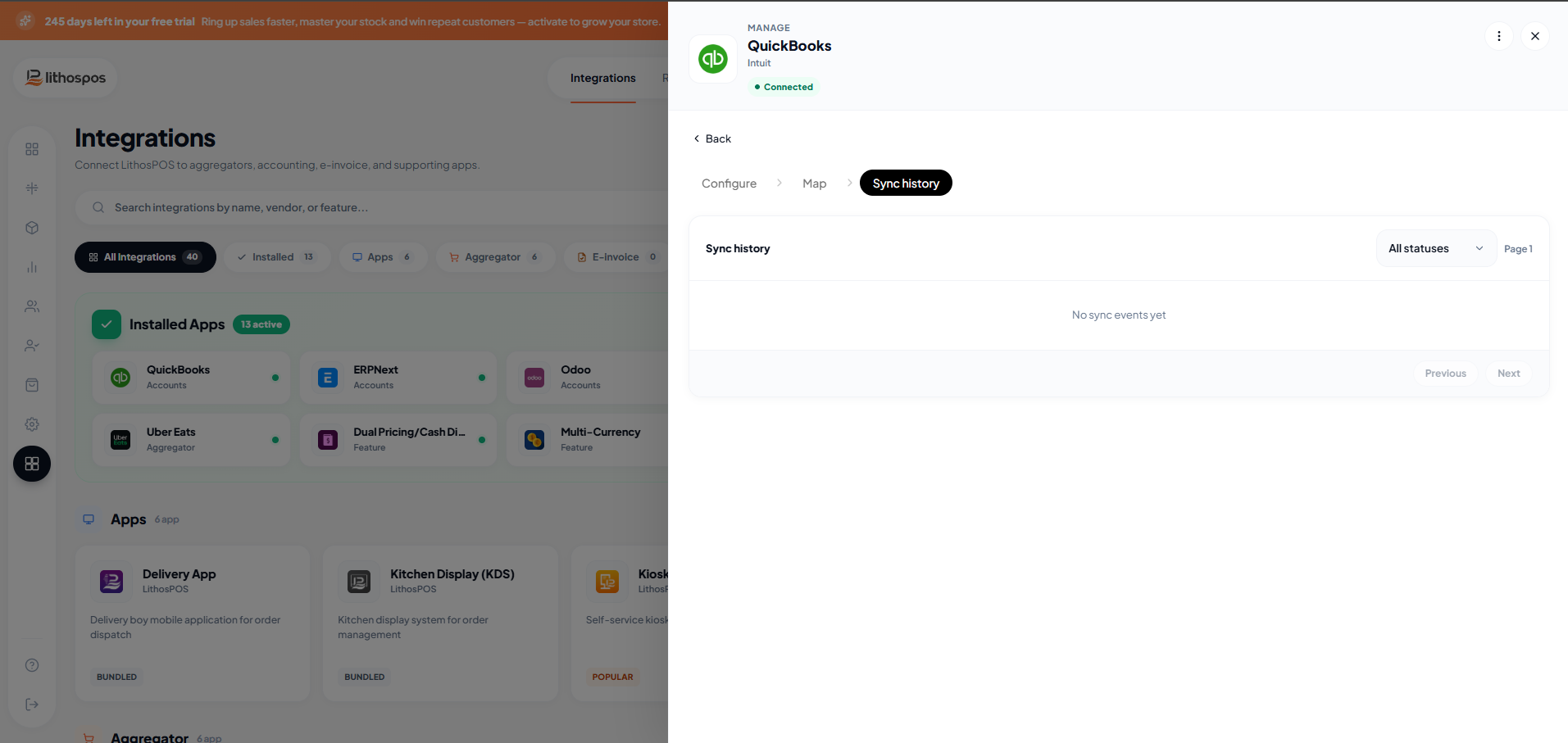
Sync History
- View the history of data synchronization between LithosPOS and QuickBooks.
Connect with us to know more
To learn more about it feel free to book a meeting with our team
Was this article helpful?