
How Restaurants Can Manage Delivery App Orders from One POS
Learn how restaurants can manage delivery app orders from one POS software, reduce manual entry, avoid order mistakes and improve kitchen speed.
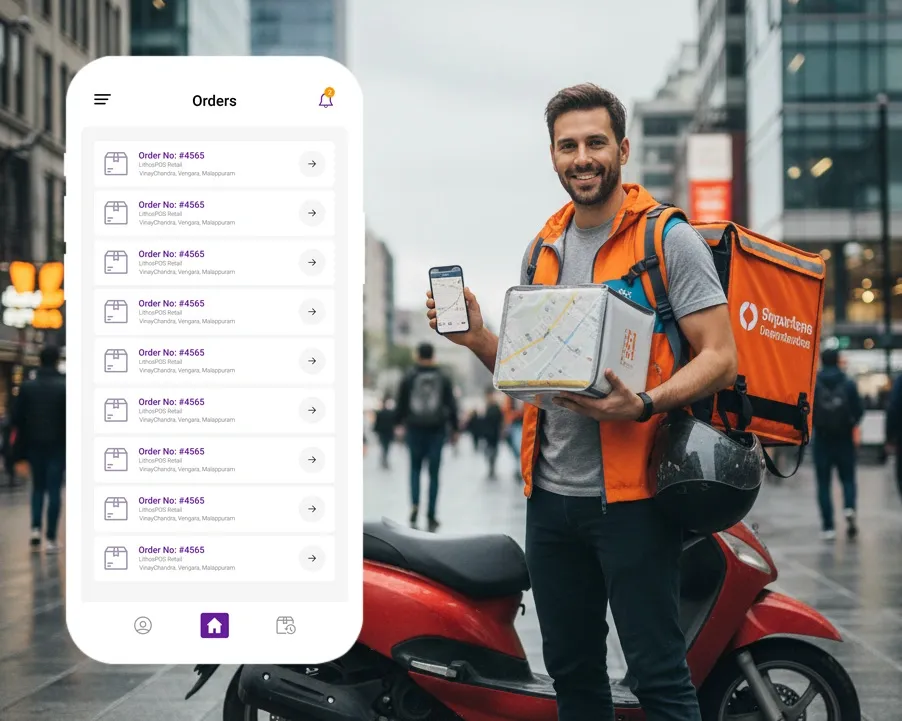
Quick answer: Restaurants can manage delivery app orders from one POS by connecting delivery platforms, online ordering channels, and in-store orders into a centralized restaurant POS software. Orders flow directly to the POS, kitchen display or printer without manual re-entry, helping reduce missed orders, billing mistakes, kitchen delays and staff dependency.
Managing delivery app orders can become messy when a restaurant depends on multiple tablets, separate dashboards and manual order entry. One order comes from dine-in, another from takeaway, another from an online ordering page, and several more from delivery platforms. If staff need to re-enter each order into the billing software, mistakes become almost unavoidable.
This is why many restaurants are moving toward centralized delivery order management through POS software. Instead of treating delivery orders as a separate operation, restaurants can bring dine-in, takeaway, online ordering and delivery app orders into one POS workflow.
What Does Managing Delivery App Orders from One POS Mean?
Managing delivery app orders from one POS means all orders from different sales channels are received, tracked and processed through a single restaurant POS software. This can include orders from delivery apps, a restaurant's own online ordering website, QR ordering, phone orders, takeaway counters and dine-in tables.
In a connected setup, the POS software becomes the main order control center. Staff do not need to switch between multiple screens or manually copy order details from one device to another. Orders can move directly from the ordering channel to the POS, kitchen display system or kitchen printer.
Why Delivery Orders Are Difficult to Manage Manually
Restaurants often face delivery order problems because each platform works separately. A restaurant may have one tablet for one delivery app, another tablet for a different platform, a separate website dashboard for online orders and a POS screen for billing.
This creates common problems such as:
- Missed delivery orders during busy hours
- Wrong item entry into the POS
- Delayed kitchen preparation
- Staff confusion between dine-in and delivery orders
- Price mismatch between menu channels
- Difficulty tracking order status
- Poor reporting across sales channels
- More dependency on trained staff
Order accuracy problems are not rare either. Consumer research covered by Restaurant Dive found that a majority of customers have run into at least one incorrect delivery order within a year, and most of them hold the restaurant responsible rather than the delivery platform. For small restaurants, manual multi-tablet handling creates daily stress. For busy restaurants or multi-branch brands, it can directly affect customer experience, ratings and repeat orders.
How One POS Helps Manage Delivery App Orders
A restaurant POS with delivery order management helps by centralizing all incoming orders. When an order is received, it can be accepted, billed, routed to the kitchen and tracked from one place.
The basic flow looks like this:
- Customer places an order through a delivery app or online ordering channel.
- The order is received in the restaurant POS software.
- The kitchen receives the order through a KDS or kitchen printer.
- Staff prepare, pack and update the order status.
- Sales and order data are recorded in POS reports.
This reduces manual work and makes the process easier to control.
Key Benefits of Managing Delivery Orders from One POS
1. Fewer manual entry mistakes When staff manually copy orders from delivery tablets into the POS, mistakes can happen. Items, modifiers, quantities, notes and customer instructions may be missed. A connected POS workflow reduces the need for repeated manual entry.
2. Faster kitchen operations Delivery orders can move directly to the kitchen display or printer. This helps kitchen staff start preparing orders faster, especially during peak hours.
3. Better order tracking Restaurants can track order status from received to preparing, ready and completed. This makes it easier for staff to handle delivery orders without confusion.
4. Cleaner sales reports When delivery orders are processed inside the POS, restaurant owners can see better reports by order type, sales channel, item, category and branch. This helps identify which channels are bringing revenue and which items sell best.
5. Improved customer experience Accurate orders, faster preparation and fewer delays can improve customer satisfaction. Off-premises ordering now makes up a large share of overall restaurant traffic, according to the National Restaurant Association's off-premises research, so getting these orders right matters more than ever, especially since delivery customers often leave public ratings and reviews.
6. Easier multi-branch control For restaurants with multiple locations, centralized reporting helps owners compare branch performance, delivery sales, item demand and operational issues.
Features to Look for in Restaurant POS Software for Delivery Order Management
When choosing restaurant POS software for delivery orders, restaurant owners should look for these features:
- Delivery app integration
- Online ordering support
- Kitchen display system integration
- Kitchen printer routing
- Menu and item management
- Modifier and add-on support
- Order status tracking
- Inventory deduction
- Sales channel reports
- Multi-branch dashboard
- Offline billing support
- Customer data and loyalty features
A basic billing tool may only create invoices. A proper restaurant POS solution should help manage the full order flow from order entry to kitchen preparation, billing, reporting, and customer management.
How LithosPOS Helps Restaurants Manage Delivery Orders
LithosPOS helps restaurants manage dine-in, takeaway, online ordering and delivery operations from one POS software. Restaurants can use LithosPOS with tools like Kitchen Display, Waiter App, Dashboard App and online ordering to reduce manual work and improve order control.
For restaurant owners dealing with multiple order channels, LithosPOS gives a centralized way to manage billing, kitchen flow, inventory, reports and branch performance. It works across Android, iOS and Windows, making it flexible for different restaurant setups.
Restaurants can explore LithosPOS restaurant POS software here.
Common Mistakes Restaurants Should Avoid
- Using too many separate tablets: Multiple tablets make it harder to manage orders during rush hours. Staff can miss alerts or forget to update order status.
- Re-entering every delivery order manually: Manual entry increases the chance of billing errors, wrong items and kitchen confusion.
- Not syncing menus properly: If item names, prices or availability are different across channels, customers may order items that are unavailable or priced incorrectly.
- Ignoring delivery order reports: Delivery orders should be reviewed separately from dine-in sales. This helps owners understand channel performance and profitability.
- Not connecting delivery orders with inventory: If delivery sales are not connected to inventory, stock reports become inaccurate. This can lead to stockouts and poor purchasing decisions.
Best Practices for Managing Restaurant Delivery Orders
- Keep one central POS software for all order channels
- Use a kitchen display system or kitchen printer for faster preparation
- Keep menu names, prices and modifiers consistent
- Review delivery sales reports weekly
- Track top-selling delivery items separately
- Train staff to manage order status properly
- Use online ordering to reduce dependency on third-party commissions
- Connect order flow with inventory wherever possible
Key Takeaway
Restaurants can manage delivery app orders more efficiently by using one POS software to centralize order receiving, kitchen routing, billing and reporting. This reduces manual entry, avoids order mistakes, improves kitchen speed and gives restaurant owners better control over delivery sales.
FAQ
1. How can restaurants manage delivery app orders from one POS? Restaurants can manage delivery app orders from one POS by connecting delivery channels and online ordering platforms to restaurant POS software. This allows orders to come into one place, move to the kitchen and appear in sales reports without repeated manual entry.
2. What is delivery app order management? Delivery app order management is the process of receiving, tracking, preparing and completing food delivery orders from platforms or online channels. A restaurant POS software can centralize this process and reduce staff workload.
3. Why should restaurants avoid using multiple delivery tablets? Multiple delivery tablets can create order confusion, missed alerts and manual entry mistakes. A centralized POS workflow helps restaurants manage all orders from one screen.
4. Can a POS software manage dine-in, takeaway and delivery orders together? Yes. Modern restaurant POS software can manage dine-in, takeaway, online ordering and delivery orders in one platform. This helps restaurants improve order accuracy and reporting.
5. What features are important for restaurant delivery order management? Important features include delivery integration, online ordering, kitchen display, kitchen printer routing, order status tracking, inventory management, reporting and multi-branch control.
6. Does delivery order management help reduce restaurant mistakes? Yes. When orders flow directly into the POS and kitchen, staff do not need to manually re-enter every order. This helps reduce wrong items, missed notes and billing errors.
7. Is one POS useful for multi-branch restaurants? Yes. One POS software can help multi-branch restaurants track delivery sales, item performance, branch reports and kitchen operations from a centralized dashboard.
Manage dine-in, takeaway, online and delivery orders from one restaurant POS software. Start your 14-day free trial with LithosPOS.